
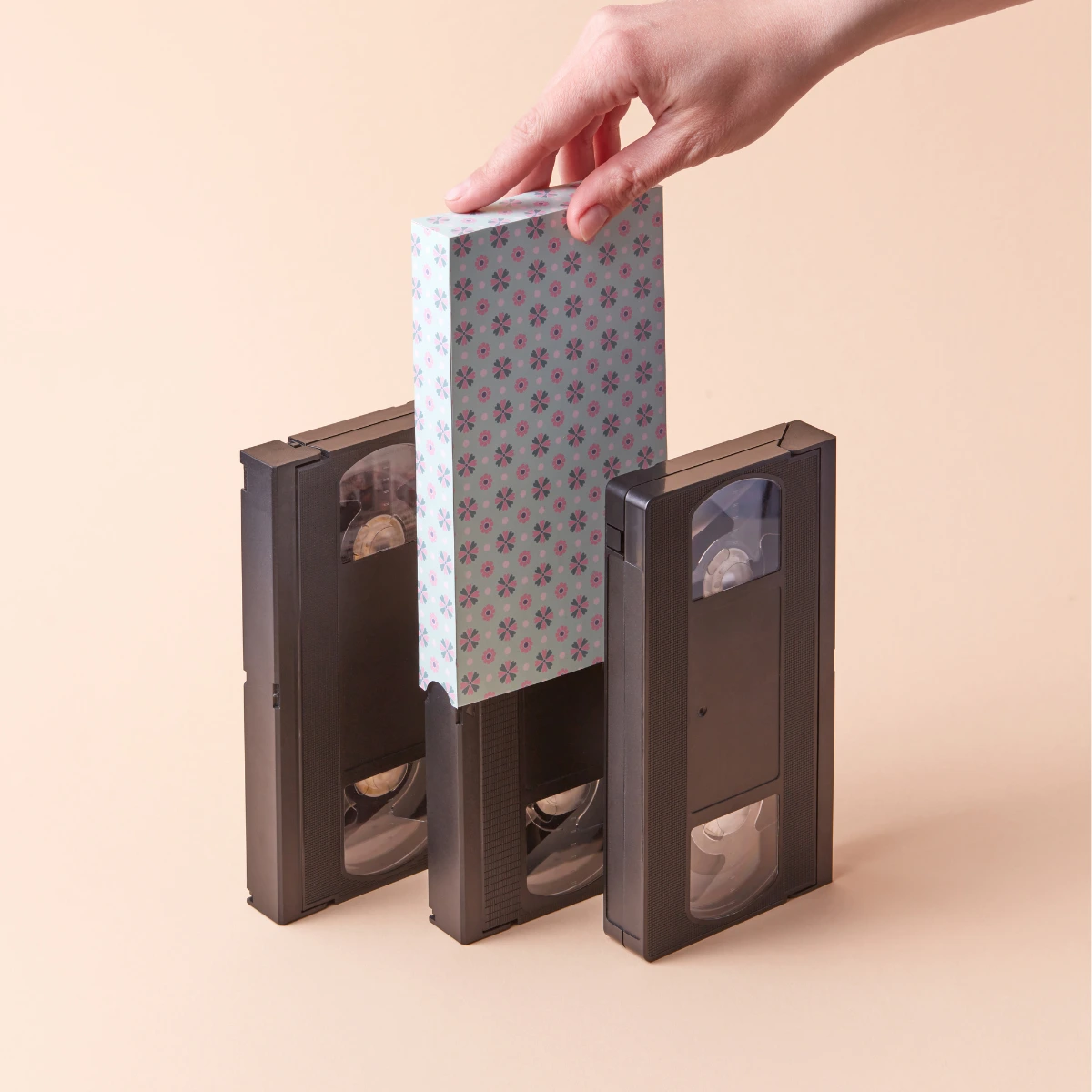
How to Convert VHS to Digital at Home
A step-by-step DIY guide to convert VHS tapes to digital before they degrade. Equipment lists, software setup, common pitfalls, and when to use a professional transfer service instead.
Why Convert VHS to Digital Now?
VHS tapes degrade over time. Magnetic particles separate from the tape backing, leading to 'sticky shed syndrome' and permanent loss of footage.
Prevent Degradation
VHS tapes lose quality every year. Converting VHS to digital now stops the rot and preserves whatever quality remains.
Easy Viewing
Once you transfer VHS to digital, watch your memories on any phone, TV or computer — no VCR needed.
Share with Family
Digital MP4 files can be sent to family members anywhere in the world in seconds.
Equipment You'll Need
To get started with digitising at home, you'll need to gather some specific hardware and software. Here is the essential checklist:
Functioning VCR
A working videocassette recorder. Ensure the heads are clean.
Video Capture Card
USB device to connect VCR to computer (e.g., Elgato Video Capture).
RCA cables
Red, White, and Yellow cables to connect audio and video.
Computer
PC or Mac with sufficient storage space for large video files.
Capture Software
Software like OBS Studio or the proprietary software with your card.
Sounds like too much hassle?
Our professional VHS to digital transfer service starts from £12 per tape — free tracked shipping, broadcast-grade equipment, and a happiness guarantee.
How to Convert VHS to Digital: Step-by-Step
Common Problems to Watch For
Digitising yourself can be tricky. Here are the most frequent issues our customers face when trying to do it at home.
DIY vs Professional VHS to Digital Transfer
Equipment Cost
- DIY
- £150 - £300+
- Pro
- Included
Time Required
- DIY
- 1:1 Real-time + Setup
- Pro
- Zero (We do it all)
Output Quality
- DIY
- Consumer USB capture
- Pro
- Broadcast-grade TBC
Risk to Tapes
- DIY
- High (Tape jams/snaps)
- Pro
- Safe & Insured
Output Format
- DIY
- Varies
- Pro
- MP4 on USB or Cloud
Don't risk your VHS tapes. Let professionals convert VHS to digital for you.
Get in Touch
Have questions? We're here to help you preserve your family legacy.
Email Us
admin@digital-legacy.me
Best for detailed inquiries
Call Us
+44 7757 763 496
Tap to call from your phone
+44 7757 763 496
Message or call us in the app
Our Studio
Norwich, Norfolk
Professional digitisation facility
We're here to help!
"We know trusting someone with your memories is a big decision. That's why we promise to treat every tape and photo as if it were our own. Have a question? Ask away!"
Send us a message
Fill out the form below and we'll get back to you within 24 hours.