Grounded in how we work
Our guides come from real digitisation work in our Norwich lab, on the same equipment, turnaround and pricing as our service, and we refresh them when those change. Spotted an error? Tell us.
What You Need
A sturdy cardboard box (a shoe box works well for small batches), bubble wrap or scrunched newspaper for padding, and packing tape to seal the box. Avoid using plastic carrier bags as outer packaging: they offer no impact protection.
Packing Step by Step
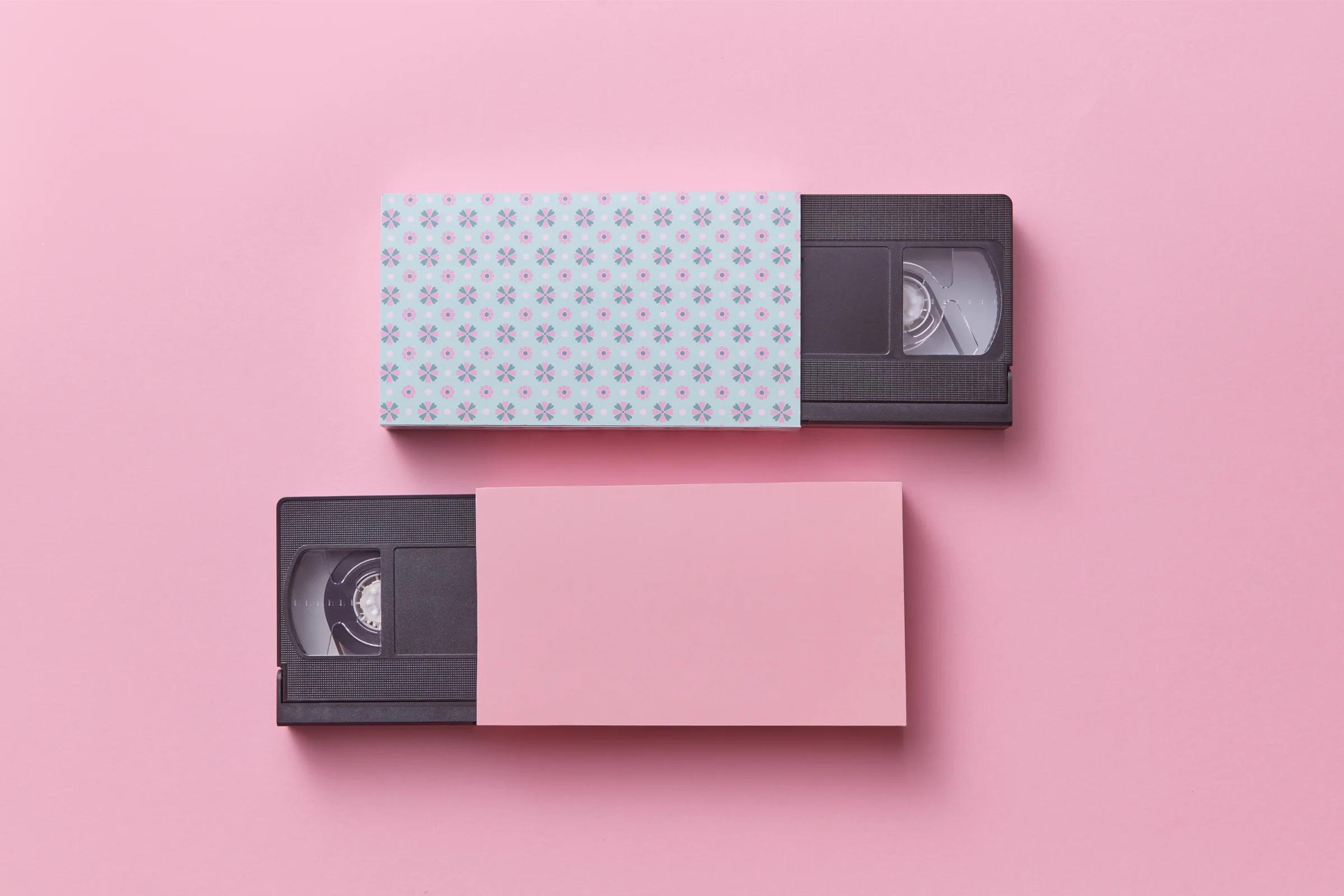
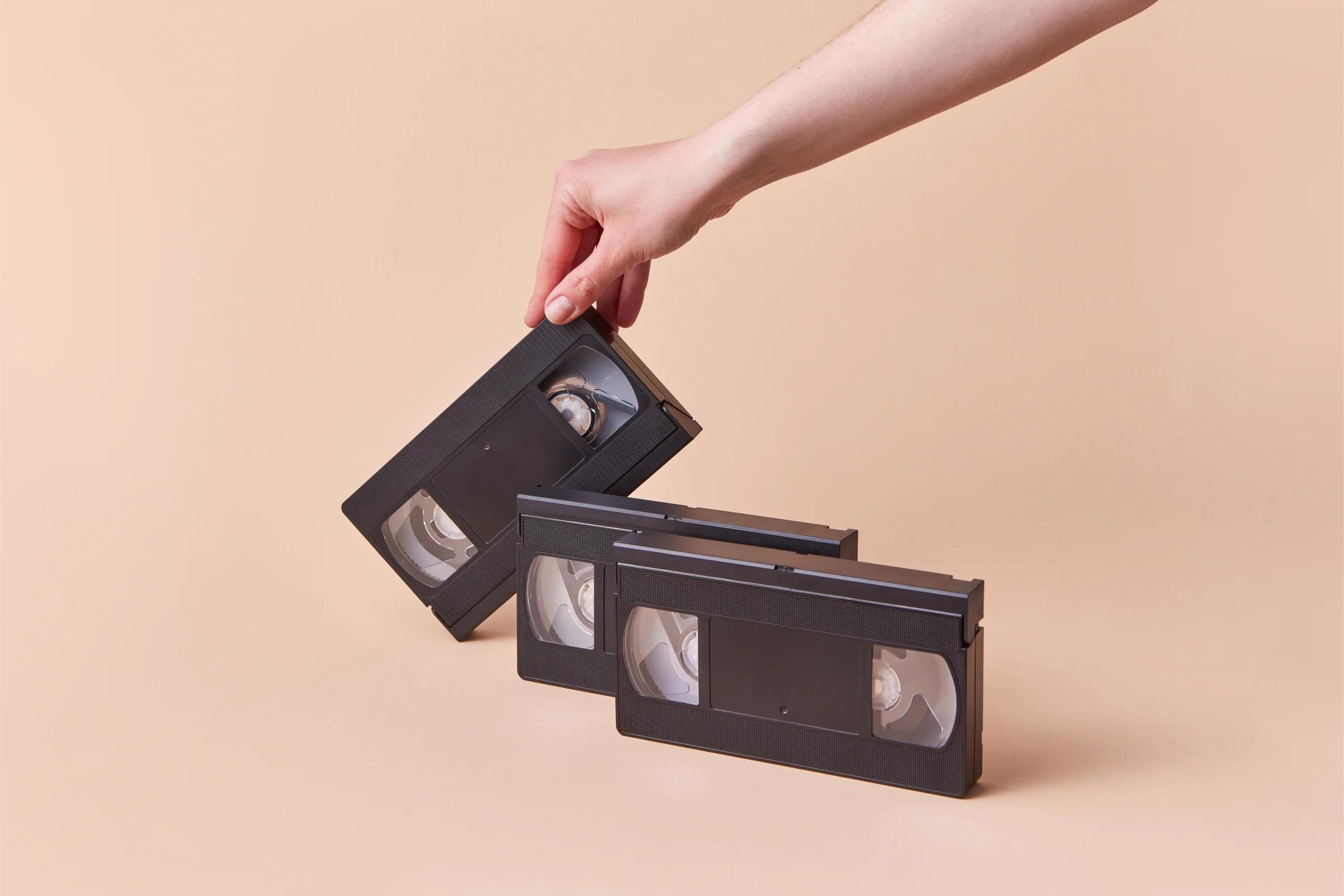
Line the bottom of the box with a layer of padding (bubble wrap or scrunched newspaper). Place your tapes vertically in the box, like books on a shelf, not stacked flat. Fill any gaps with padding so the tapes cannot shift during transit. Add a layer of padding on top, then seal the box securely with packing tape. If any tape shows white powder or smells musty, see our guide to mould on VHS tapes before it goes in the box.
If you are sending cine film reels, keep them in their original cans or boxes where possible. Wrap each reel individually in bubble wrap. For slides and photos, place them in a rigid container (such as a slide box or between two pieces of cardboard) to prevent bending. Reels that have spent years in a loft often need a little extra care, which we cover in what to do with cine film found in a loft.
Labelling Tips
If your tapes have specific labels or numbers that matter to you, include a note listing them. If they are unlabelled, number them with a sticky note so you can match the digital files to the physical tapes later. Include your name, order number (if you have one), and a return address inside the box in case the outer label is damaged. Those numbers are matched to the files when we log everything in, as described in our step-by-step lab process.
Shipping
We recommend Royal Mail Tracked 24 or Tracked 48 for the peace of mind of a tracking number. If you are using our Media Box service, a prepaid tracked return label is included. Just pack your tapes, seal the box, and attach the label. From there, our order timeline shows each stage until the files and originals come back.